HOW IT WORKS
A simple, guided process to get your
AI Employee live and handling enquiries
Overview
You don’t need to be technical to use this. This is a structured process where everything is set up with you and tailored to your business.
Step 1 Personalised demo
We start with a personalised demo based on your business.
This shows you:
How the AI would respond to your enquiries
What it would say
How it would guide customers
This is where you decide if it feels like a fit.
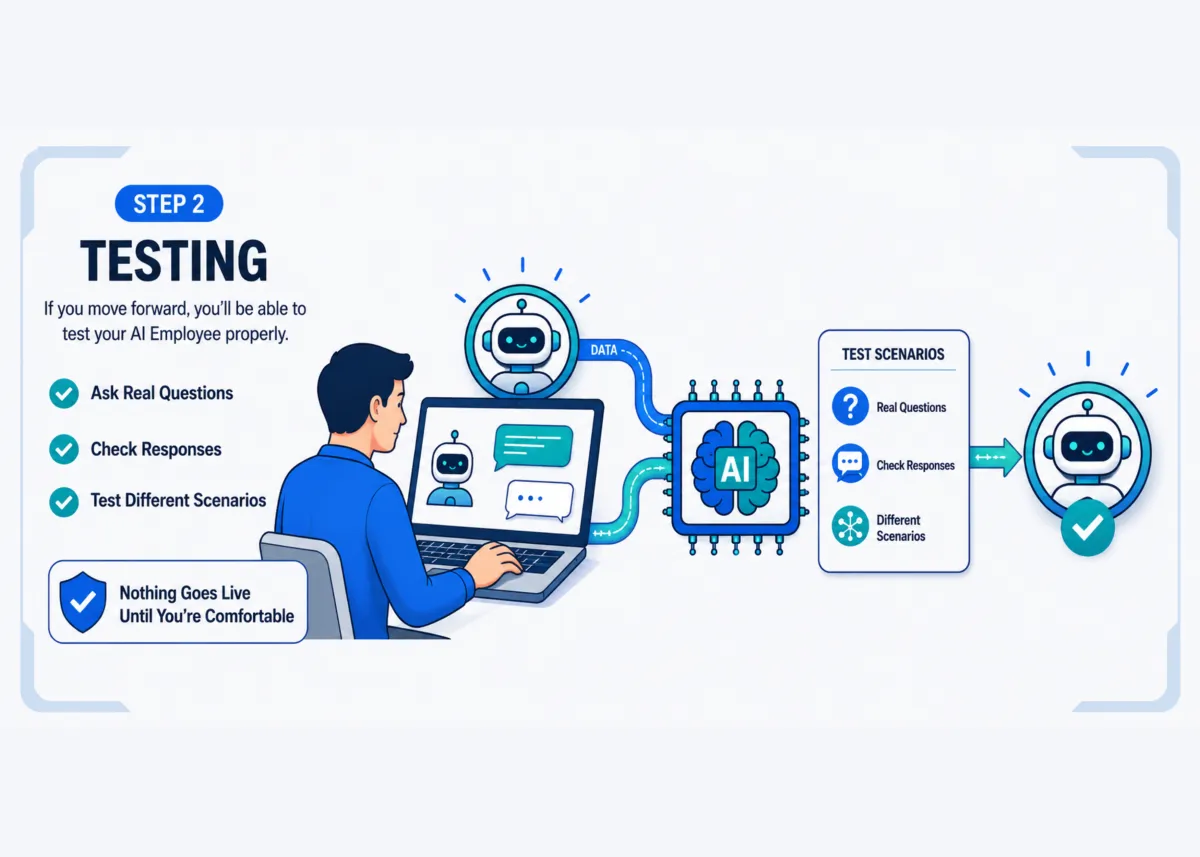
Step 2 — Testing
If you move forward, you’ll be able to test your AI Employee properly.
You can:
Ask real questions
Check responses
See how it handles different scenarios
Nothing goes live until you’re comfortable.
Step 3 — Refinement
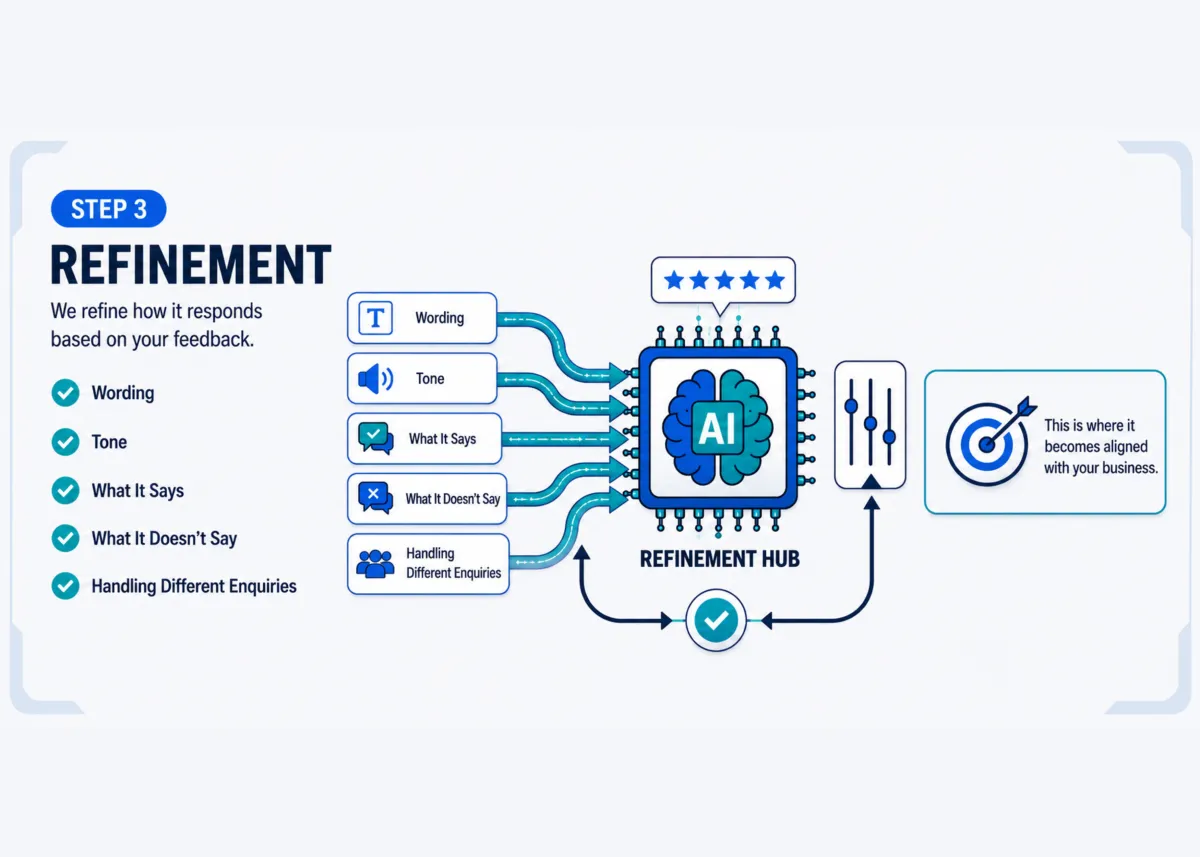
We refine how it responds based on your feedback.
That includes:
Wording
Tone
What it says or does not say
How it handles different enquiries
This is where it becomes aligned with your business.
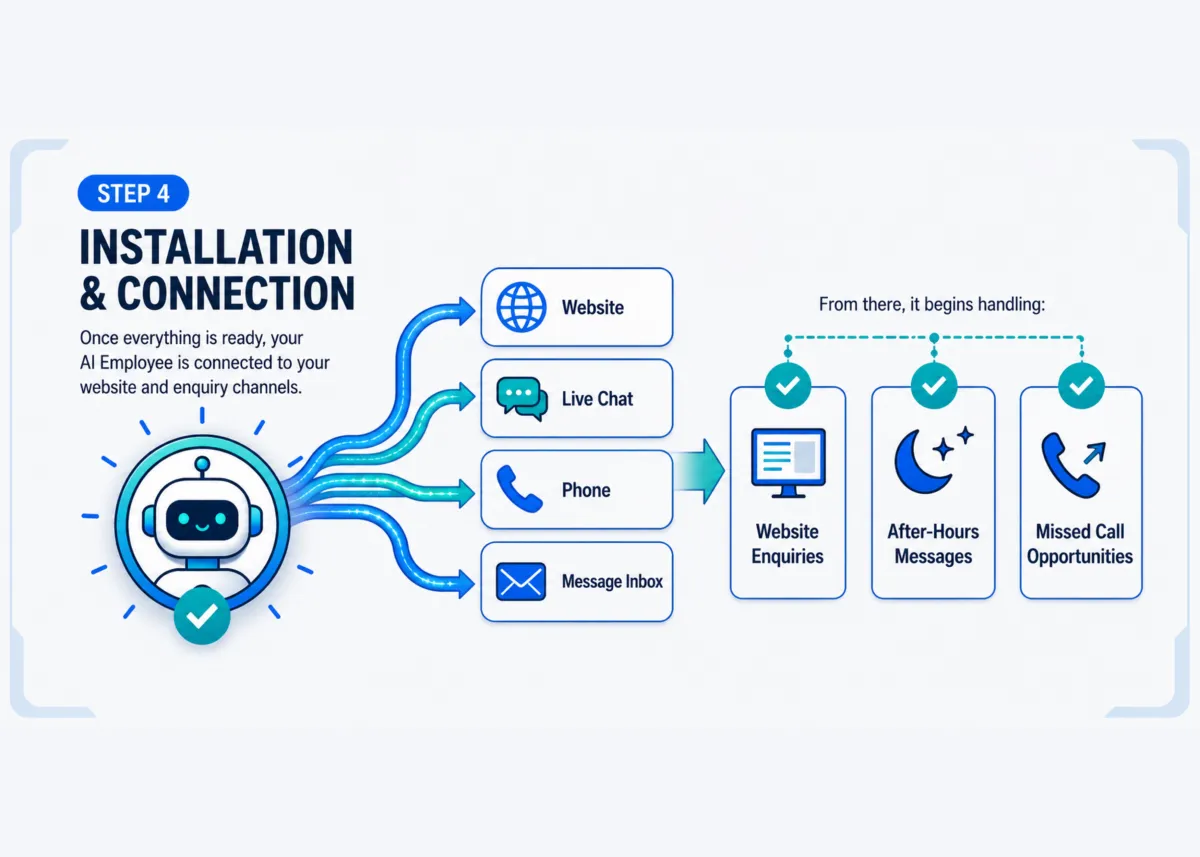
Step 4 — Instalation and connection
Once everything is ready, your AI Employee is connected to your website and enquiry channels.
From there, it begins handling:
Website enquiries
After-hours messages
Missed call opportunities
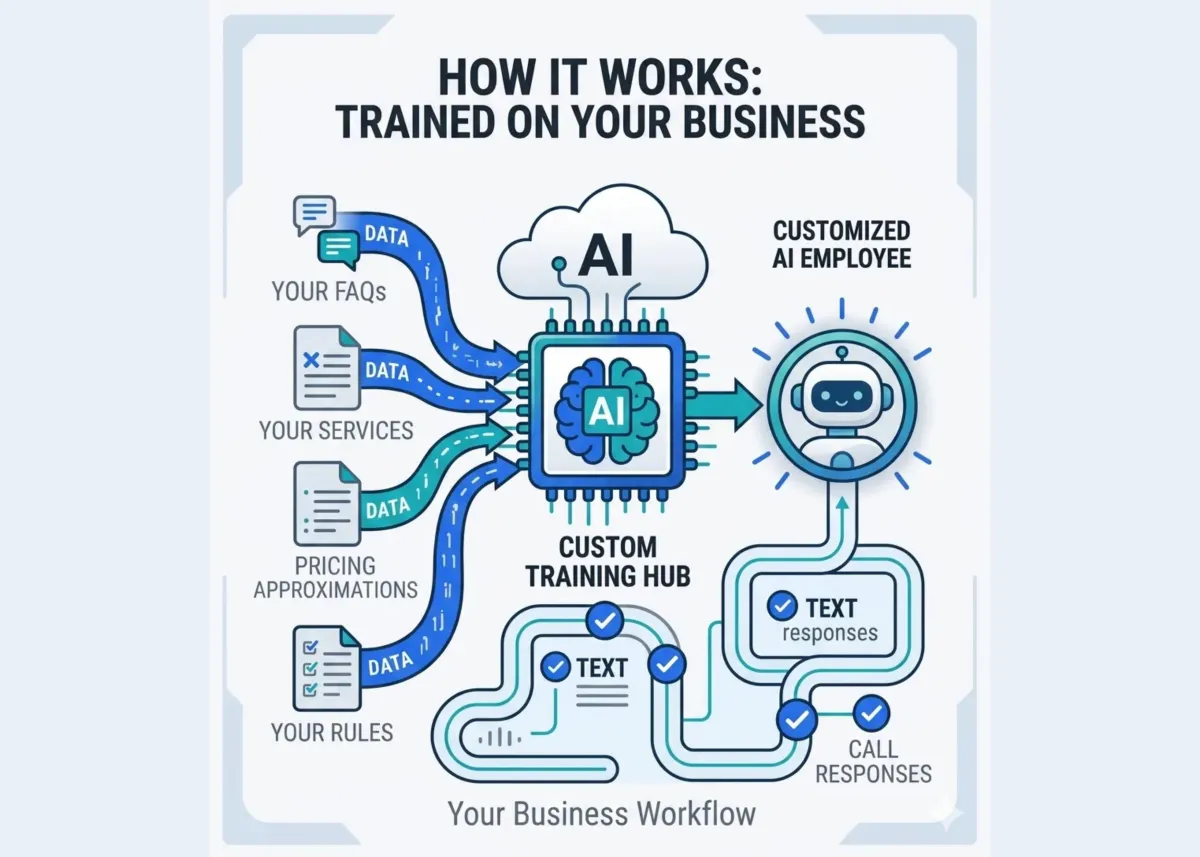
What it can be trained on
Your AI Employee is trained using your website content, your services, your FAQs, and your business rules. It is not guessing. It is working from your information.
Control and handover
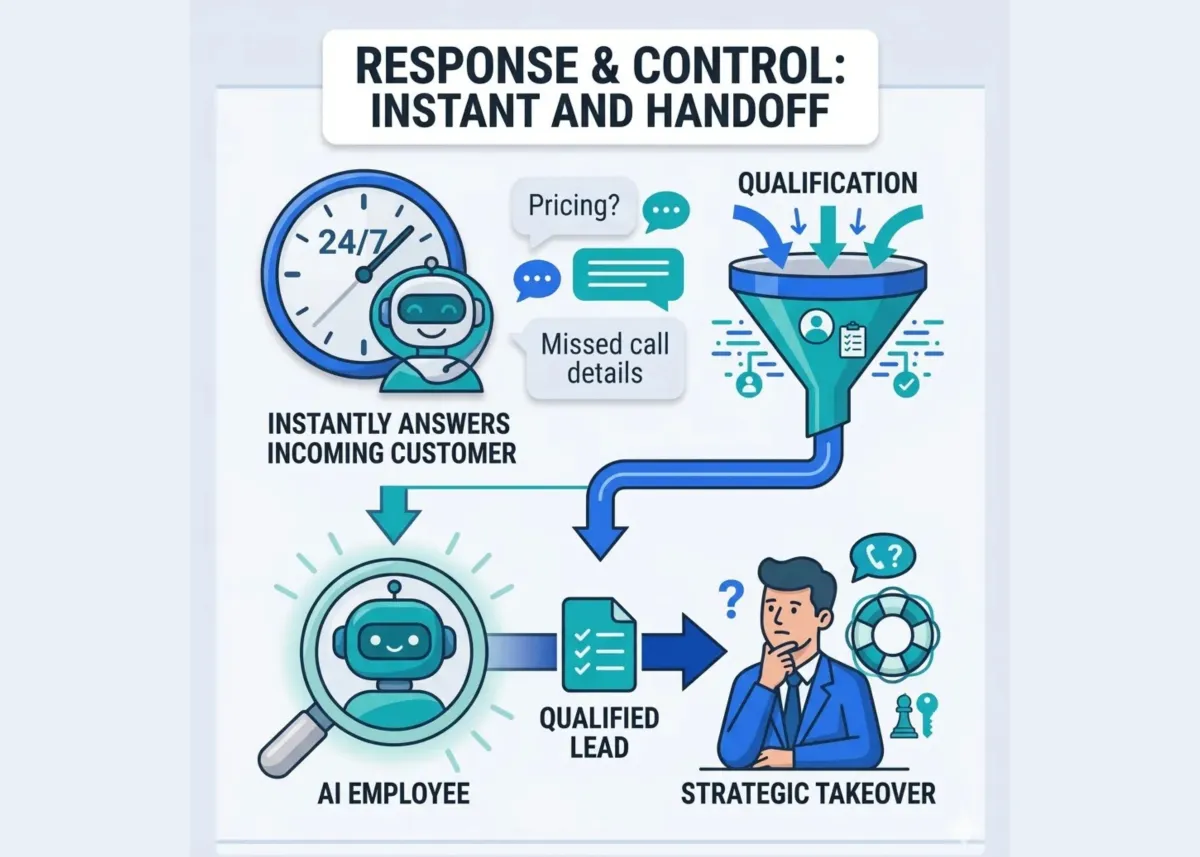
You stay in control of what it answers, what information it collects, and when it hands the conversation over to you.
It supports your workflow. It does not replace it.
After it goes live
Once live, it works in the background. You should start to see faster response times, more consistent handling of enquiries, and fewer missed opportunities.
Adjustments can be made at any time..
Do I need to set this up myself?
No. Everything is guided and handled with you.
How long does it take?
Typically a few days from setup to going live.
Can I change things later?
Yes. It can be refined as your business evolves.
What if I’m not sure yet?
Start with the demo. That’s the easiest way to understand how it works.
If you want to see how this would work in your business, the next step is simple.